
infoRPA 
IBM i Green Screen Automation and RPA Connector
Automate manual green screen operations and easily expose legacy IBM i applications as modern APIs. Infoview System’s Robotic Process Automation (RPA) Connector helps companies simulate green screen user actions directly from middleware applications.
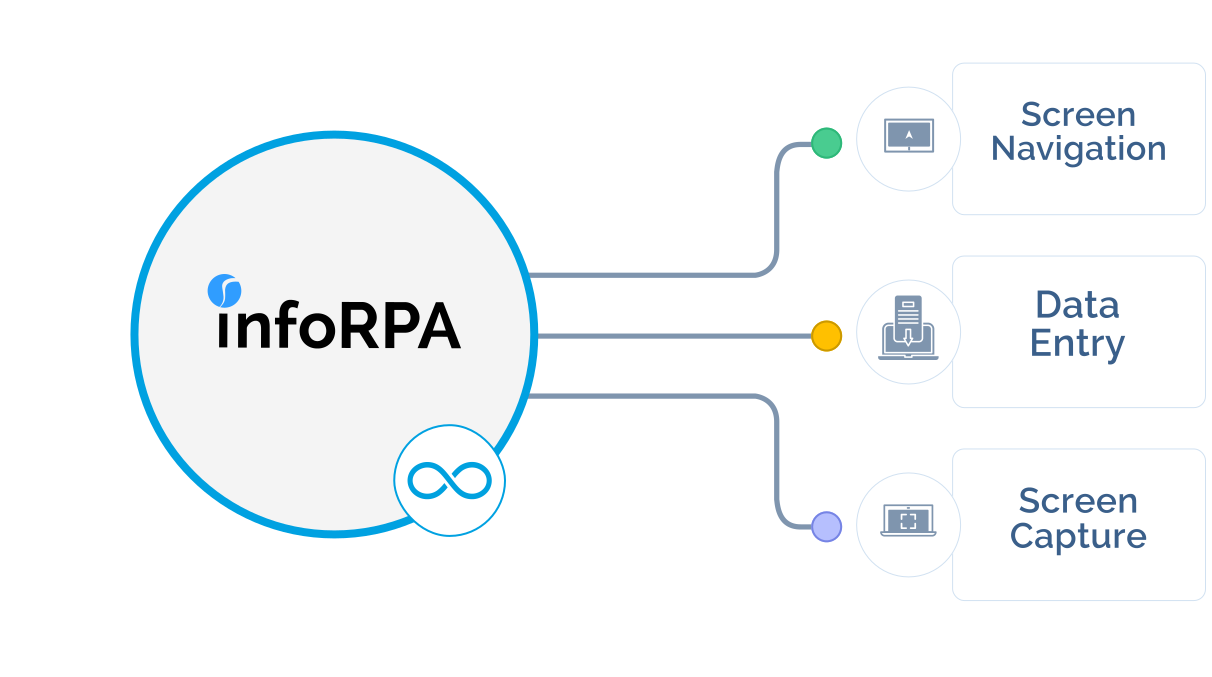
Process Automation
Expose IBM i applications as APIs
- Simulate IBM i green screen user actions directly from leading middleware
- Exclusively for IBM i (AS400, iSeries) systems
- Does not require any additional infrastructure or components installed on the IBM i
- Supports TLS connections
Complementing Professional Services Assistance

Architectural
advisory

Middleware platform
implementation

Platform and Application
Support

System
integration
Custom connector
development

infoConnect product
implementation
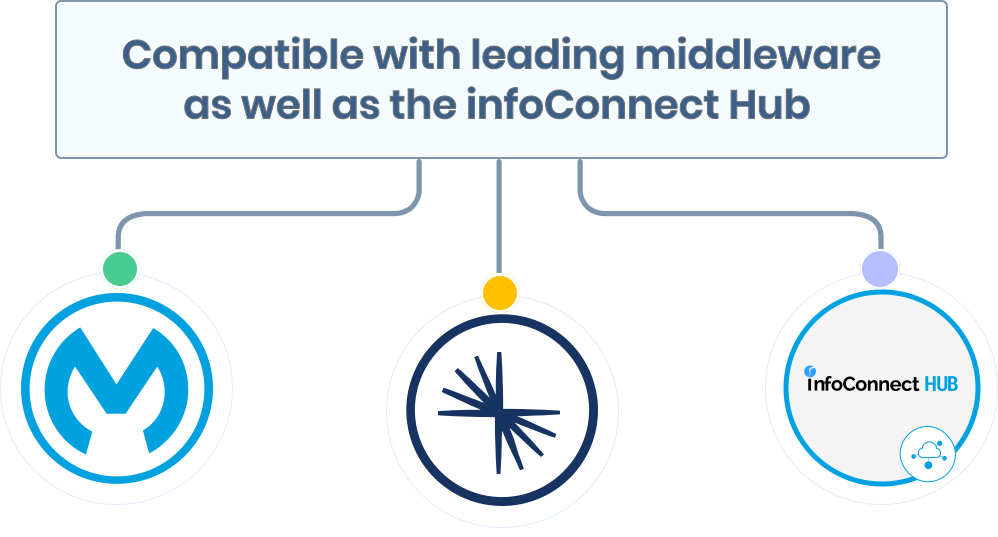
Supports leading integration platforms
Modernize legacy applications
- Define a sequence of commands
- Map input and output variables
- Use a Python-based scripting language for advanced screen operations such as flow controls and conditional processing
- Access and modify source code
What Can You Do with infoRPA?
Simulate Green Screen User Actions Directly from MuleSoft, Kafka, and External Systems
infoRPA works by simulating IBM i green screen user interactions programmatically, navigating screens, entering field values, executing commands, and reading output; all triggered directly from leading middleware platforms including MuleSoft Anypoint and Apache Kafka. No additional components are installed on the IBM i itself, no source code modifications are required, and TLS connections are supported out of the box. It is the only infoConnect product that operates purely at the UI interaction layer, making it the right choice when direct program-level or DB-level access to the IBM i application is not available.

Real-World IBM i Green Screen Automation Scenarios
infoRPA is purpose-built for IBM i teams that need to automate repetitive green screen workflows without rewriting applications.
Common scenarios include: Automating vendor onboarding by navigating ERP menus and entering supplier details programmatically; updating order statuses (i.e. shipped, picked, delivered) across high-volume transaction environments; automating regression and feature testing within IBM i CI/CD pipelines whenever development teams deploy new application changes; and exposing green screen ERP functionality as callable APIs for external systems that have no direct access to IBM i programs or DB2 tables.
Open-Source Licensed With Commercial Support
Unlike general-purpose RPA platforms such as UiPath or Automation Anywhere, infoRPA is designed exclusively for IBM i green screen environments and is offered under a GPL 2 open-source license, making it significantly more accessible for mid-market organizations than enterprise RPA tools priced on transaction volumes or robot counts. Commercial support, SLA-backed tiers, and implementation services are available through Infoview Systems. When paired with infoCDC or the infoConnect connector suite, infoRPA extends into full data replication and API enablement, giving IBM i teams a complete modernization path without a platform replacement.

Feature Comparisons at a Glance
| infoRPA by Infoview Systems | Other market solutions |
|---|---|
| Supports green screen automation in addition to data replication and API enablement functionality when paired with infoCDC and/or infoConnect | Offers just green screen automation functionality |
| Component is offered and designed exclusively for IBM i (AS/400) systems and is backed by a team of IBM i, middleware, and integration professionals | Supported by a team of IT professionals that may only have experience in IBM i or middleware |
| Offered under a GPL 2 open-source license with commercially available support and SLA’s | Often priced for enterprise sized firms and/or priced in relation to transaction amounts |
| Requires no additional infrastructure to leverage | May require additional infrastructure to leverage |
| Minimal implementation timelines – little to no training for end customer team who will own product operations | Could take longer to implement and often requires heavy training for owners of product operations |
| Supports leading integration platforms including MuleSoft and Kafka (Confluent) | May not work with middleware applications right “out of the box” and could require custom development |
Common Integration Use Cases



Helpful documentation and demonstration examples

User Manual

Release Notes

License Agreement

Launch Announcement

Paid Commercial Support Terms